

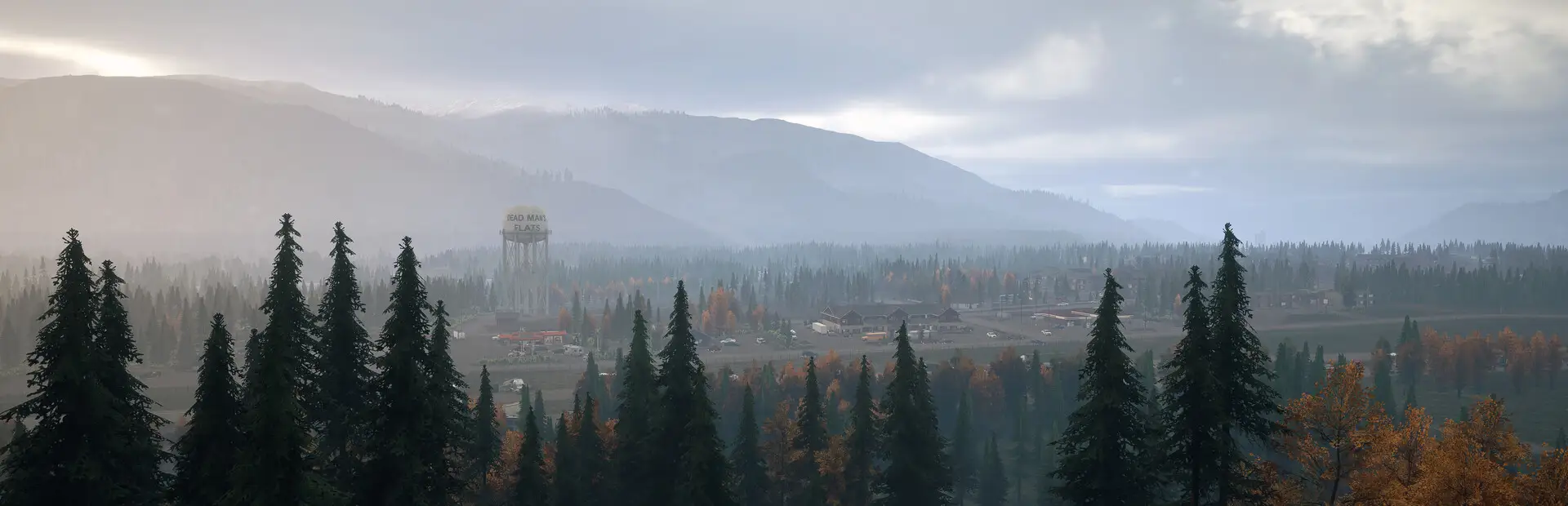
About Dead Matter
After a rampant viral outbreak causes global society to collapse, you must survive the harsh wilderness of the Canadian Rockies amidst vast hordes of Infected and rival survivors.
View on SteamHosting Dead Matter with TCAdmin
Dead Matter runs on a community-built config. Every TCAdmin feature applies to it: automated installs, the web file manager, scheduled tasks, backups, crash detection and sub-users.
Set it up in the panel
- Open the plugin repository. In TCAdmin 3, go to Settings, then Plugin Repositories.
- Install the Dead Matter config. Search for Dead Matter, open it and click Install.
- Create a service. Pick a server and a customer, and TCAdmin downloads the files, sets the ports and starts it.
About this config
Basic template for Dead Matter Version 1 (Work In Progress) - (This will be updated after the next large patch coming soon) You will need to have a key for this game and login with your steam details to download it (like dayz etc), If you have issues downloading the files, create a folder in games, ...













Run your first server on TCAdmin 3 today.
Every license starts with 30 days free, on Windows or Linux.