

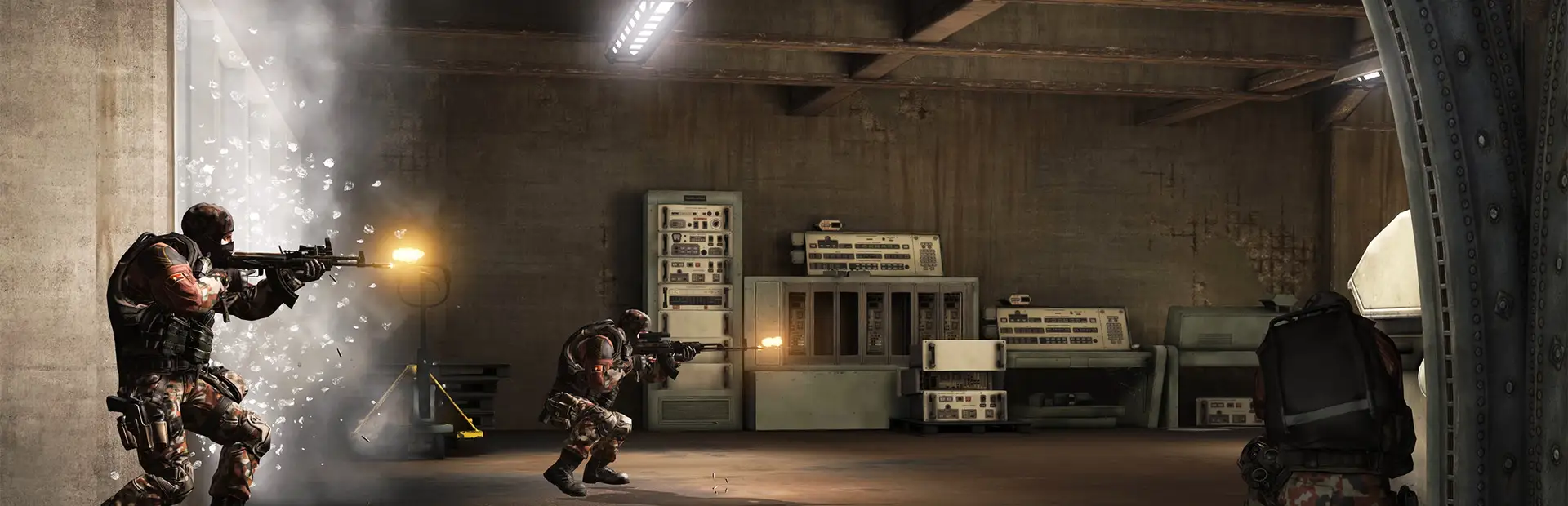
AA Proving Grounds
Host AA Proving Grounds servers with TCAdmin on Windows.
About AA Proving Grounds
America’s Army: Proving Grounds is the official game of the U.S. Army and part of the highly acclaimed America’s Army game series. This free military game focuses on small unit tactical maneuvers and puts you to the test in a wide variety of new America’s Army maps and AA fan favorites.
View on SteamWhat TCAdmin handles for AA Proving Grounds
Automatic Steam updates
Server files install and update through SteamCMD, on demand or on a schedule (app 203290).
Live player counts
The panel queries the server for players, map and status, shown on the dashboard and service page.
Web console with RCON
Send commands from the browser and schedule them, without opening a game client.
Game-aware backups
Backups include the files that matter for this game, such as worlds and configs, and restore in one click.
Set it up in the panel
- Open the plugin repository. In TCAdmin 3, go to Settings, then Plugin Repositories.
- Install the AA Proving Grounds config. Search for AA Proving Grounds, open it and click Install.
- Create a service. Pick a server and a customer, and TCAdmin downloads the files, sets the ports and starts it.
Config notes
AA Proving Grounds














Run your first server on TCAdmin 3 today.
Every license starts with 30 days free, on Windows or Linux.